Pickup
Al Quoz warehouse, Dubai
- Window
- 09:00–11:00
- Service
- 10 min
- Contact
- Sara
Orders
Your team can enter it, or the companies you deliver for can place it themselves.
Order
SHP-1051Pickup
Dropoff
Notes Leave at reception. Call on arrival.
Planning
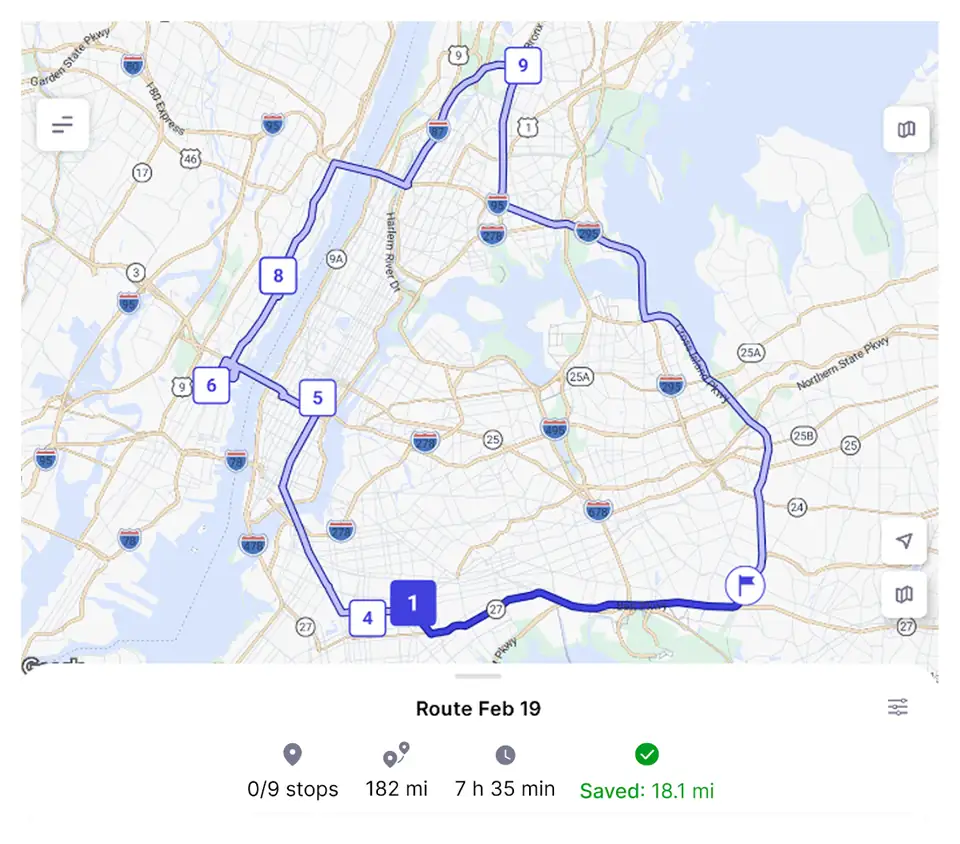
Each new order is added automatically—on a route that already has room, or on a new one. Routes are optimized for less distance, time, and fuel.
RO Driver
Assigned stops, customer details, trip offers, route updates, and navigation. Location is shared with dispatch. Proof of delivery is captured at the stop.
RO Driver details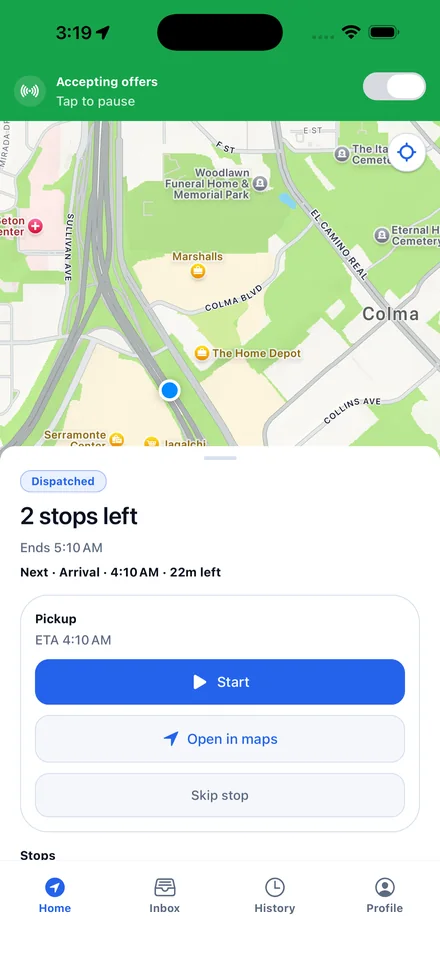
Your clients
Create accounts for your clients: a retailer, a grocer, a clinic. They sign in, place orders, and follow their own shipments.
Client portal
| Reference | Status | Window |
|---|---|---|
| SHP-1042 | Submitted | 09:00–11:00 |
| SHP-1051 | In transit | 11:00–13:00 |
| SHP-1056 | Scheduled | 13:00–15:00 |
Tracking link
Metro Foods
Progress
Estimated arrival
Today · 11:15–11:45 AMYour driver
AhmedDelivery address
Marina Walk, DubaiPowered by Route Optima
The previews above use Route Optima’s brand. On a live account they use yours. Company name, logos, and colors show on the console, RO Driver, the client portal, and tracking pages.
People
People join by invite. Your internal users run the console. Drivers use the app. Your clients sign in to their own portal. Roles and permissions decide who can see and change what.
Yes. They can build a trip, change a planned one, freeze a route, split it, or assign a driver themselves.
Their current stops stay as they are. New work can be offered to them. Dispatch can step in if the route needs a person.
Your team can enter them in the console. Your clients can place them in their own portal. Or we connect another system during setup, if that is how you already take orders.
Your team is internal: dispatch and planning, in the console. Your clients are the companies you deliver for. You create their accounts. They sign in, place orders, and only see their own shipments. The person waiting for the package does not get a login. They open a tracking link.
Yes. The console, the driver app, the client portal, and tracking pages use your company identity.
No. It is built for last-mile delivery: planning, dispatch, drivers, client intake, and customer tracking.
Built around your operation
We’ll start with your workflows, constraints, and systems. If it fits, we tailor the setup and run a free 14-day live trial on your real operation.